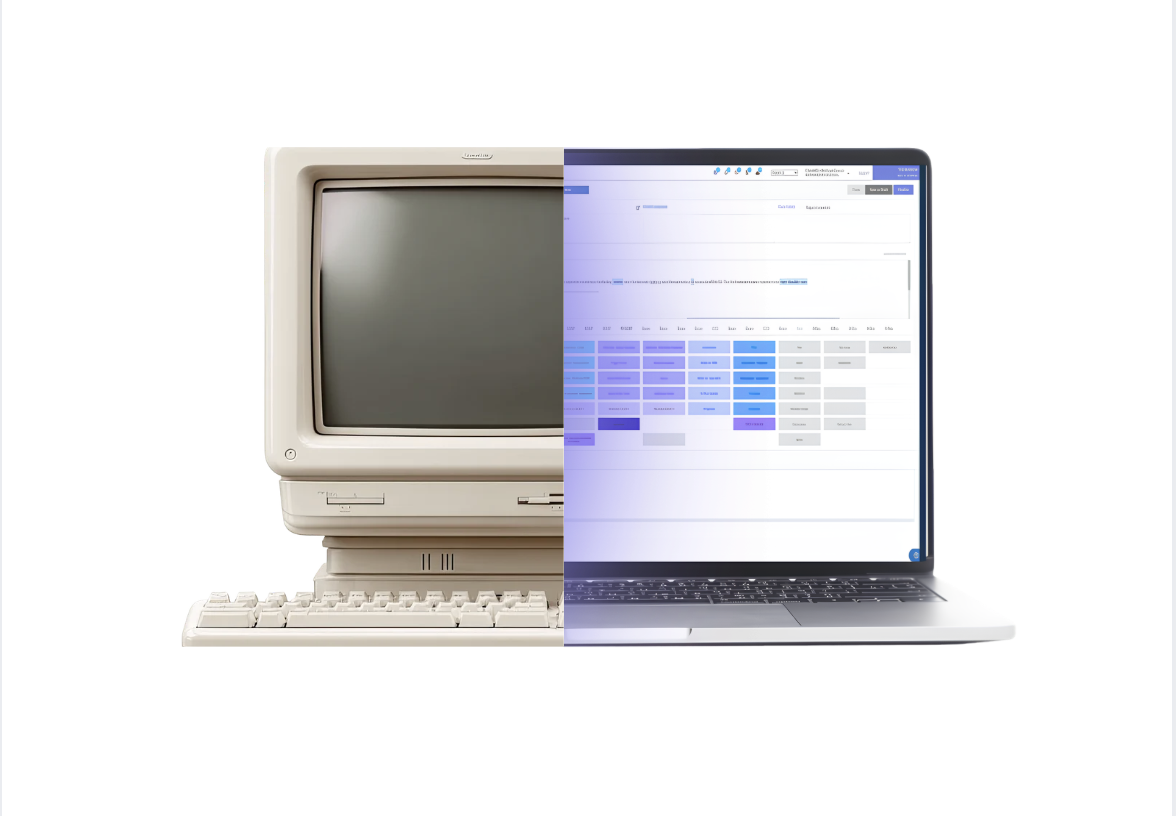
Your EHR plays a role in nearly every part of your practice, from scheduling appointments and documenting visits to managing billing and reporting. But the technology behind your EHR can have a significant impact on how your team works.
Some chiropractic EHR systems rely on physical servers located inside the practice. Others operate in the cloud, allowing you to access your software through a web browser without maintaining a local server.
Understanding these differences can help you choose technology that supports your daily workflows and your plans for growth.
Server-based vs. cloud-based EHR: The key differences
The biggest difference between these systems comes down to where your practice data is stored, how you access it, and who maintains the infrastructure.
Server-based EHR software typically stores patient records, schedules, and billing information on a physical server managed by your practice. Computers connect through a local network, and your team or an IT provider handles maintenance, updates, and backups.
Cloud-based EHR software stores and processes information on remote infrastructure managed by a technology provider. Authorized users can access their practice information through supported devices with an internet connection.
Here’s how the two approaches generally compare:
| Feature | Server-based EHR | Cloud-based EHR |
|---|---|---|
| Accessibility | Primarily accessed through a local network; remote access may require additional setup | Accessible over the internet from supported devices |
| Maintenance | Practice or IT provider manages local infrastructure | Software provider manages hosted infrastructure |
| Updates | May require manual installations | Typically managed centrally by the provider |
| Backups | Practice arranges and maintains backups | Automated backups |
| Integrations | Depends on available software connections | Supports connected applications and APIs |
| Costs | Hardware, licenses, maintenance, and IT expenses | Typically subscription-based |
These are general differences. Specific capabilities vary by vendor, so it’s important to evaluate the platform itself rather than assuming every cloud-based system offers the same benefits.
1. Accessibility and flexibility
Think about how often you need to access your EHR outside your primary workstation. Maybe you’re reviewing tomorrow’s schedule from home, checking a patient chart between appointments, or managing operations across multiple locations.
With a traditional server-based system, remote access may require additional tools, such as a virtual private network (VPN) or remote desktop connection.
Cloud-based platforms can make access more straightforward. With a browser-based EHR like ChiroHD, authorized team members can access practice information from supported devices wherever they have an internet connection.
This flexibility becomes especially valuable as your practice grows. Adding providers or opening another location introduces new scheduling, billing, and reporting needs. A cloud-native platform can help your team work within a connected system without managing separate local servers at each location.
2. Maintenance and software updates
Maintaining a server-based EHR often involves responsibilities that extend beyond the software itself.
Your practice may need to coordinate server maintenance, hardware replacements, software installations, backups, and IT troubleshooting. Depending on your setup, these tasks can require additional time and outside support.
Cloud-based software shifts much of that responsibility to the provider.
Because the infrastructure is managed remotely, updates and maintenance can be handled centrally. Your team generally doesn’t need to install new software versions across individual workstations or maintain a dedicated server.
Cloud platforms can still experience outages and scheduled maintenance, but they can reduce the amount of technical upkeep your practice manages directly.
3. Data security and HIPAA compliance
Protecting patient information is essential, regardless of where your EHR is hosted.
Server-based systems require practices to manage risks associated with physical hardware, local networks, backups, and unauthorized access. Cloud-based systems also require appropriate safeguards, including secure account access, data protection, and recovery procedures.
According to the U.S. Department of Health and Human Services, healthcare organizations can use cloud services to store and process protected health information when applicable HIPAA requirements are met.
That includes appropriate business associate agreements, risk assessments, and security measures.
Security questions to ask any EHR vendor
- How is data encrypted?
- How are user permissions managed?
- What are the backup procedures?
- Are audit logs available?
- How does the vendor respond to security incidents?
Cloud technology can support strong security practices, but compliance depends on how the platform is managed and the safeguards in place.
4. Integrations and everyday workflows
Your EHR is the operational center of your practice, but it probably isn’t the only technology your team uses.
Online scheduling, patient communication, payment processing, and digital intake may all play a role in your daily operations.
When these tools don’t communicate effectively, your team may need to enter the same information across multiple systems or manually coordinate updates.
An EHR that integrates with your existing technology can help simplify those processes.
For example, ChiroHD brings clinical documentation, billing, and reporting together in a cloud-native practice management platform. Paired with SKED, practices can connect their EHR with online scheduling, appointment reminders, and two-way texting.
Integrations aren’t exclusive to cloud-based software, so it’s worth asking vendors how their systems communicate and which tasks still require manual work.
The goal is to find technology that supports the way your team operates.
5. Understanding the total cost
When comparing EHR platforms, the monthly subscription price is only one part of the financial picture.
Server-based systems may involve expenses for hardware, software licenses, IT support, maintenance, and eventual equipment replacement.
Cloud-based platforms typically use monthly or annual subscriptions, although additional costs may apply for onboarding, data migration, integrations, and premium features.
To understand the true cost of either option, consider what your practice will spend over several years.
It’s also worth evaluating the time your team spends maintaining technology or managing disconnected workflows. Those responsibilities can affect your operating costs even when they don’t appear on a software invoice.
Choosing an EHR that supports your practice’s growth
Your EHR should be able to support your practice today and accommodate the changes you’re planning for tomorrow.
As you evaluate server-based and cloud-based options, consider a few important questions:
- Can your team securely access the information they need from different locations?
- Who handles software updates, backups, and maintenance?
- Does the platform connect with your scheduling, billing, and patient communication tools?
- Can it accommodate additional providers, patients, or locations?
- What training, migration assistance, and ongoing support does the vendor provide?
Cloud-native technology offers practical advantages in accessibility, maintenance, and flexibility. Combined with well-designed chiropractic workflows, it can provide a strong foundation for a growing practice.
See what a cloud-native EHR can do for your practice.
Explore how ChiroHD can support your workflows, simplify daily operations, and help you prepare for growth.
Frequently asked questions
What is the difference between a server and the cloud?
The main difference is where your data is stored and who manages the infrastructure. A local server stores and processes information on equipment your practice maintains, while cloud computing uses remote servers managed by a provider. Both can run EHR software, but cloud-based systems typically offer easier remote access and centralized maintenance.
Is cloud-based EHR software secure and HIPAA compliant?
Cloud-based EHR software can support HIPAA compliance when appropriate safeguards are in place. Look for encryption, access controls, audit logs, reliable backups, and a business associate agreement (BAA). Cloud hosting alone doesn’t guarantee compliance.
Can I access a cloud-based EHR without internet?
Most cloud-based EHR systems require an internet connection to access patient records and practice information. Some platforms may offer limited offline capabilities, but availability depends on the provider. It’s important to ask about downtime procedures before choosing a system.
Can I move my chiropractic practice from a server-based EHR to the cloud?
Yes. Many chiropractic practices transition from server-based software to cloud-based platforms like ChiroHD. The process typically includes reviewing existing data, planning migration, configuring workflows, and training your team. The timeline and data that can be transferred depend on your current system and the new provider.